













RedirectChecker

Follow Every Redirect to Its Final Destination

Enter a URL and see exactly what happens when a browser or search engine requests it: every hop in the redirect chain, the status code and response time of each one, and where it finally lands.
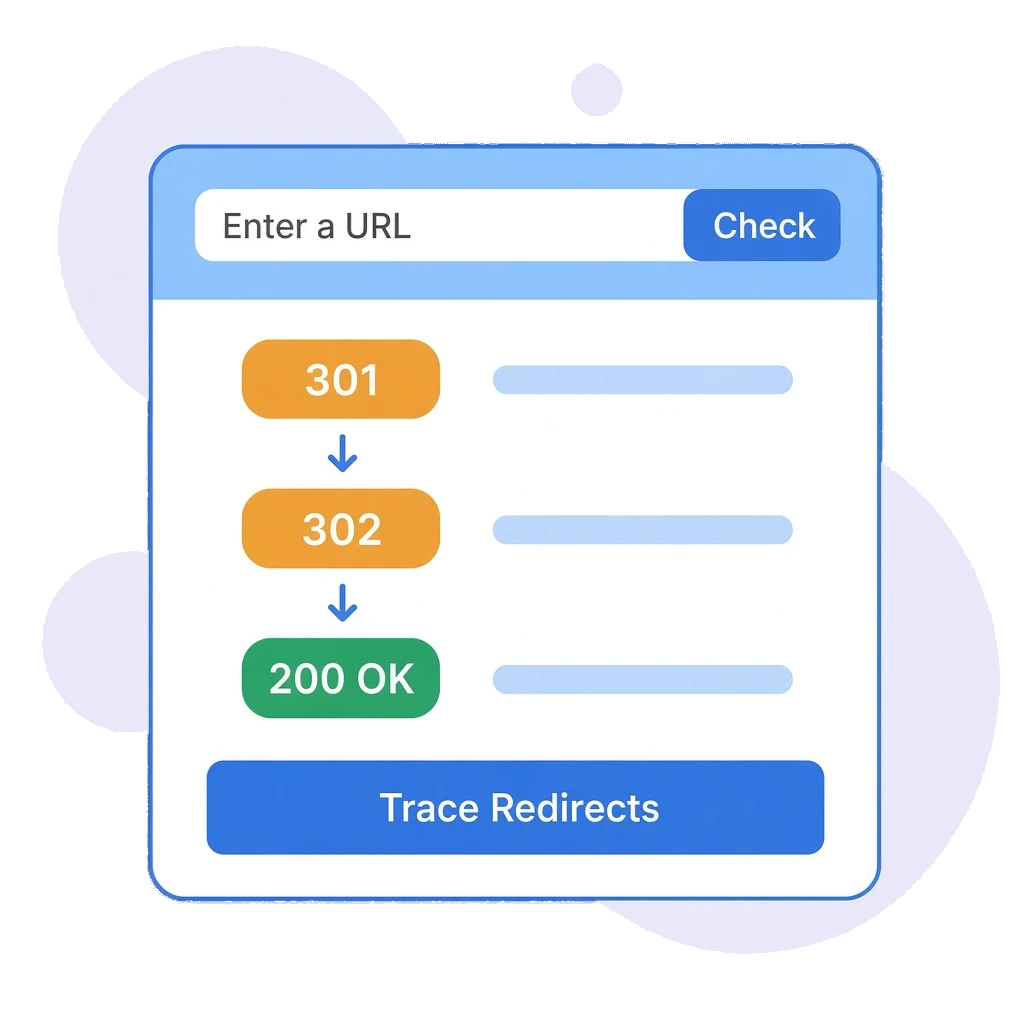
Redirect Checker illustration showing a 301 and a 302 redirect leading to a final 200 OK response
Trusted By

Clean Redirects,Faster Pages

Long or broken redirect chains slow pages down and can waste the link value you have worked for. The Redirect Checker shows the full path from the URL you enter to the page that finally loads, so you can spot extra hops and fix them at source.

Final Status:

See the status code the URL finally resolves to.

Every Hop Listed:

Follow the chain step by step, from the first request to the final page.

Response Times:

See how long each hop takes and the total time for the chain.

Redirect Count:

Know at a glance how many redirects and hops sit between a link and its page.

Every Hop,Every Status Code

FEATURE 1: ONE-CLICK REDIRECT CHECK

Check Any URL in Seconds

Paste a URL, click Check URL and the tool requests it the way a browser would, following each redirect until it reaches the final response.
  • Single URL Input: Check a page, an old campaign link or a migrated URL with one field.
  • Final Response: See the status code the URL ends on, such as 200 OK.
  • Direct or Redirected: URLs with no redirect are confirmed as resolving directly, rather than shown as an error.
  • Inside Your Workspace: Run checks alongside the site audit, rank tracking and reporting tools you already use.
Redirect Checker results in Odyssey Advance for http://bbc.co.uk showing a final status of 200, 2 redirects, 3 total hops, a total time of 105ms and the full 301 redirect chain to https://www.bbc.co.uk/
Redirect Checker in Odyssey Advance for http://bbc.co.uk, with summary cards showing a final status of 200, 2 redirects, 3 total hops and a total time of 194ms
FEATURE 2: REDIRECT SUMMARY

The Numbers That Matter at a Glance

Four summary cards tell you straight away whether a URL is healthy or needs attention.
  • Final Status: The status code returned at the end of the chain.
  • Redirects: How many redirects the URL passes through.
  • Total Hops: Every request in the chain, including the final one.
  • Total Time: How long the whole chain takes to resolve, in milliseconds.
FEATURE 3: FULL REDIRECT CHAIN

See Exactly Where Each Hop Leads

The Redirect Chain lists every step in order, from the initial request to the final destination, so you can see which redirect to update and where it should point instead.
  • Status Badge per Hop: Each step shows its own status, such as 301 Moved Permanently or 200 OK.
  • Response Time per Hop: Find the slow step in a chain, not just the slow total.
  • URL per Hop: See the exact address each redirect sends visitors to.
  • Clear Labels: Initial Request, Redirect #1 and Final Destination labels show where each step sits in the chain.
Redirect Chain panel showing http://bbc.co.uk returning 301 Moved Permanently in 14ms, https://bbc.co.uk/ returning 301 in 41ms and https://www.bbc.co.uk/ returning 200 OK in 50ms

Find Redirect ChainsBefore They Cost You

Check old URLs after a migration, test campaign links before they go live and confirm that every redirect points straight to the right page.
Sarah Jenkins Headshot
Sarah Jenkins
Head of Marketing
Our team was constantly switching between different platforms for rank tracking, site audits, and client reporting. Having direct integrations with SERP tracking and reporting in a single dashboard has streamlined our monthly workflow significantly.
David Ross
David Ross
Managing Director
Most traditional SEO platforms are still catching up to how LLMs handle brand citations. Odyssey Advance gives us genuine insight into how our clients are cited across ChatGPT, Perplexity, and Claude. Being able to benchmark AI visibility alongside traditional Google rankings has given us a massive edge when pitching to prospective clients.
Elena Rostova
Elena Rostova
Lead Growth Marketer
When migrating our e-commerce store, we were terrified of losing organic search traffic due to indexation drops or broken redirect chains. Odyssey’s Indexation Checker and technical site auditor flagged several canonical tag mismatches before they could impact our revenue. It’s given our in-house team complete peace of mind.
Rachel Vance
Rachel Vance
Founder
As a business owner, I don't have time to wade through endless, overly complicated analytics platforms. Odyssey Advance condenses everything into clear, actionable steps. We use it to monitor local map pack rankings, find low-competition keywords, and draft our weekly blog updates. It delivers incredible return on investment.

Fewer Hops.Faster Pages.

Check your redirects today.

Frequently Asked Questions

It shows the final status code for a URL, the number of redirects, the total number of hops and the total time taken, followed by the full redirect chain with the status code, response time and URL of each hop, and the final destination URL.

A redirect chain is when one URL redirects to another, which then redirects again before reaching the final page. For example, http://bbc.co.uk redirects to https://bbc.co.uk/ and then to https://www.bbc.co.uk/: two redirects and three hops. Each extra hop adds loading time, so it is best to point redirects straight at the final URL.

The tool confirms that the URL resolves directly and shows the single request with its status code and response time, rather than reporting an error.

Every hop is a separate request. Slow or unnecessary hops delay the page for visitors and make it harder for search engines to crawl your site efficiently.

Yes. You can check any public URL, including your own pages, client sites and links you plan to use in campaigns.

Advance beyond your limitations with the all-in-one digital marketing platform.
© 2026 Odyssey Advance®. All Rights Reserved