













Header TagChecker

See the Heading Structure Behind Every Page

Enter a URL and get an instant breakdown of its H1 to H6 header tags: how many of each, whether the page has a single H1, and the text, length and word count of every heading.
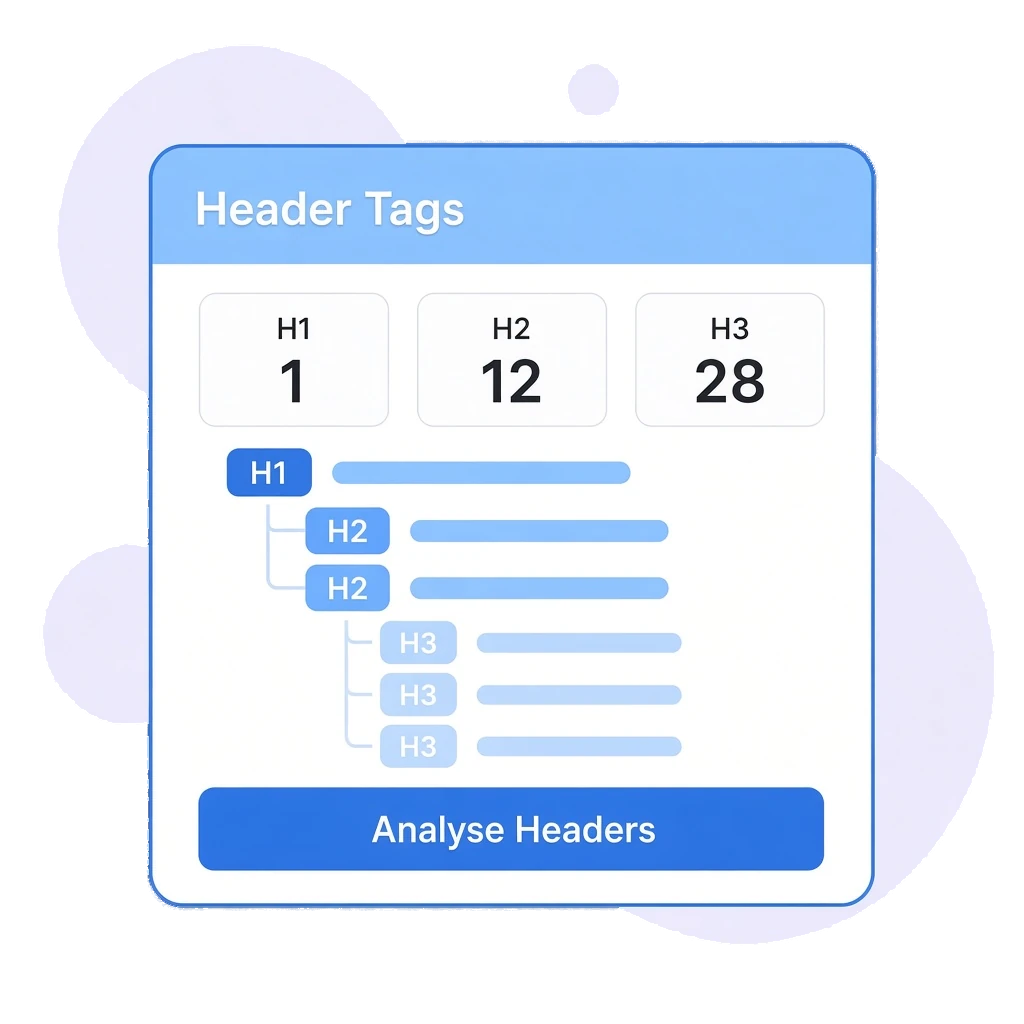
Header Tag Checker illustration showing H1, H2 and H3 counts above a nested heading outline
Trusted By

Headings That HelpSearch Engines and Readers

Headings tell search engines and readers what a page is about and how it is organised. The Header Tag Checker shows you the structure a page really has, so you can fix missing, duplicate or poorly worded headings before they hold the page back.

H1 Check:

Confirm the page has a single H1, or find out when it has more than one.

H1 to H6 Counts:

See how many headings the page uses at every level.

Every Heading Listed:

Review the text of each header tag with its level.

Length Checks:

Character and word counts for each heading help you keep them concise.

From H1to H6 in One Check

FEATURE 1: HEADING STRUCTURE VERDICT

Know Straight Away if Your Structure Works

After each check, a clear verdict tells you whether the page's heading structure looks good, with the single most important rule, one H1 per page, checked first.
  • Single H1 Check: See when a page has exactly one H1, and when it has more than one.
  • Plain-English Verdict: A short message sums up the structure before you look at the detail.
  • Any Public Page: Check your own pages, client pages or competitor pages.
  • Fast Results: Paste a URL, click Analyse Headers and the results load on the same screen.
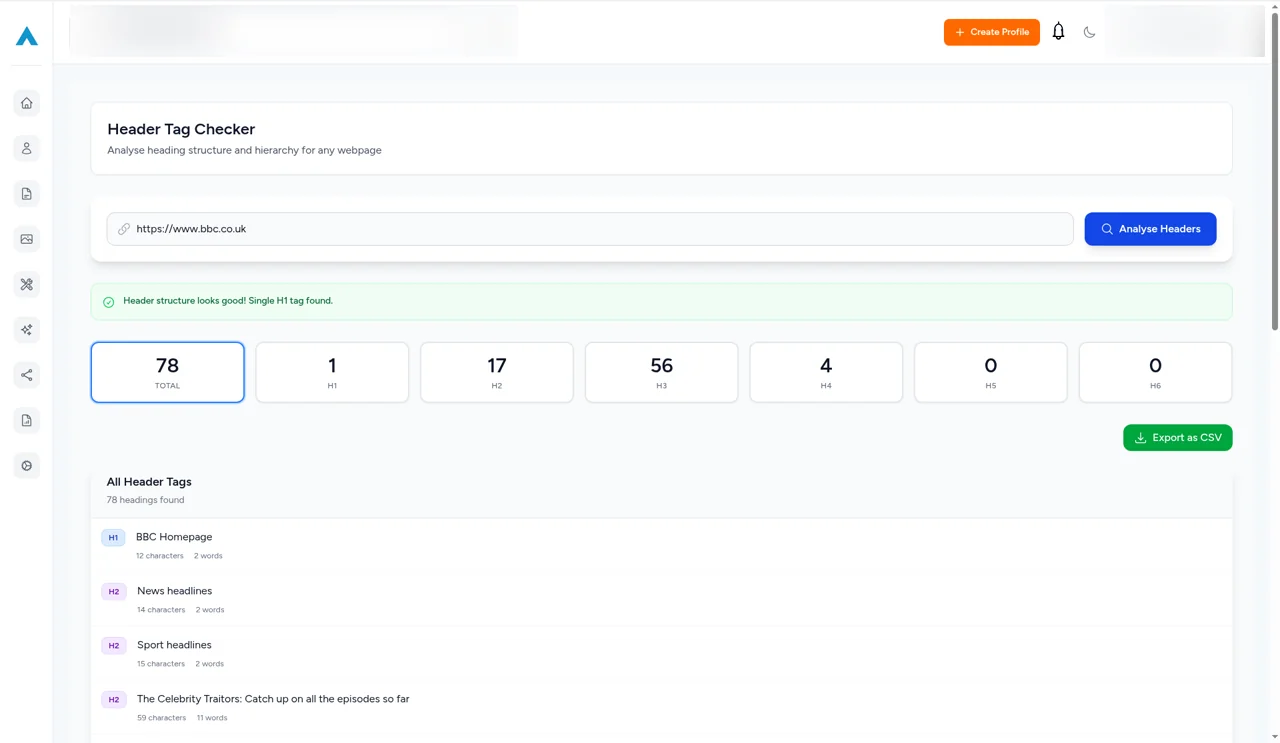
Header Tag Checker results in Odyssey Advance for bbc.co.uk confirming a single H1 tag, with heading counts and the start of the header list
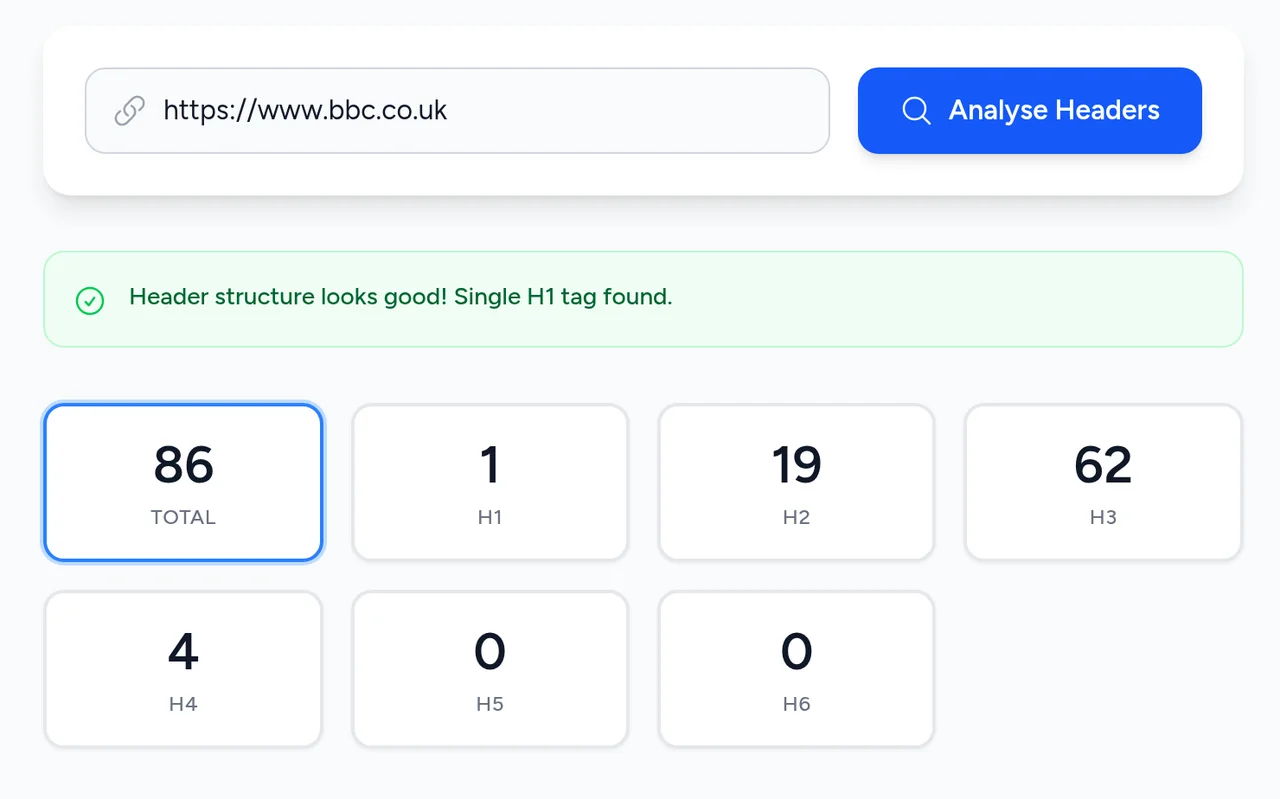
Header Tag Checker results for https://www.bbc.co.uk confirming a single H1 tag, with count tiles for 86 headings in total: 1 H1, 19 H2, 62 H3, 4 H4, 0 H5 and 0 H6
FEATURE 2: H1 TO H6 COUNTS

Every Heading Level, Counted

Count tiles show the total number of headings and the number at each level from H1 to H6, so you can see how deep and how balanced the page structure is.
  • Total Headings: The full number of header tags on the page.
  • Per-Level Counts: Separate tiles for H1, H2, H3, H4, H5 and H6.
  • Spot Imbalances: See when a page jumps levels or leans heavily on one heading type.
  • Compare Pages: Check competing pages to see how their structure differs from yours.
FEATURE 3: ALL HEADER TAGS

Review Every Heading Line by Line

The All Header Tags list shows each heading with its level, text, character count and word count, ready to review on screen or export.
  • Level and Text: See each heading's tag level next to its wording.
  • Character Count: Spot headings that are too long or too short.
  • Word Count: Check how many words each heading uses.
  • CSV Export: Export the headings as a CSV file to share or work on offline.
All Header Tags list showing each heading's level, text, character count and word count, with an Export as CSV button

Fix Your Headingsin Minutes

Check a page's heading structure, see exactly which tags to change and keep your on-page SEO tidy alongside your site audits and content tools.
Sarah Jenkins Headshot
Sarah Jenkins
Head of Marketing
Our team was constantly switching between different platforms for rank tracking, site audits, and client reporting. Having direct integrations with SERP tracking and reporting in a single dashboard has streamlined our monthly workflow significantly.
David Ross
David Ross
Managing Director
Most traditional SEO platforms are still catching up to how LLMs handle brand citations. Odyssey Advance gives us genuine insight into how our clients are cited across ChatGPT, Perplexity, and Claude. Being able to benchmark AI visibility alongside traditional Google rankings has given us a massive edge when pitching to prospective clients.
Elena Rostova
Elena Rostova
Lead Growth Marketer
When migrating our e-commerce store, we were terrified of losing organic search traffic due to indexation drops or broken redirect chains. Odyssey’s Indexation Checker and technical site auditor flagged several canonical tag mismatches before they could impact our revenue. It’s given our in-house team complete peace of mind.
Rachel Vance
Rachel Vance
Founder
As a business owner, I don't have time to wade through endless, overly complicated analytics platforms. Odyssey Advance condenses everything into clear, actionable steps. We use it to monitor local map pack rankings, find low-competition keywords, and draft our weekly blog updates. It delivers incredible return on investment.

Better Headings.Clearer Pages.

Check your header tags today.

Frequently Asked Questions

It shows a verdict on the page's heading structure, the total number of headings, a count for each level from H1 to H6, and a list of every heading with its level, text, character count and word count.

The H1 is the main heading of a page. Using one clear H1 that describes the topic helps readers and search engines understand what the page is about.

The tool confirms that the URL resolves directly and shows the single request with its status code and response time, rather than reporting an error.

Every hop is a separate request. Slow or unnecessary hops delay the page for visitors and make it harder for search engines to crawl your site efficiently.

Yes. You can check any public URL, including your own pages, client sites and links you plan to use in campaigns.

Advance beyond your limitations with the all-in-one digital marketing platform.
© 2026 Odyssey Advance®. All Rights Reserved