



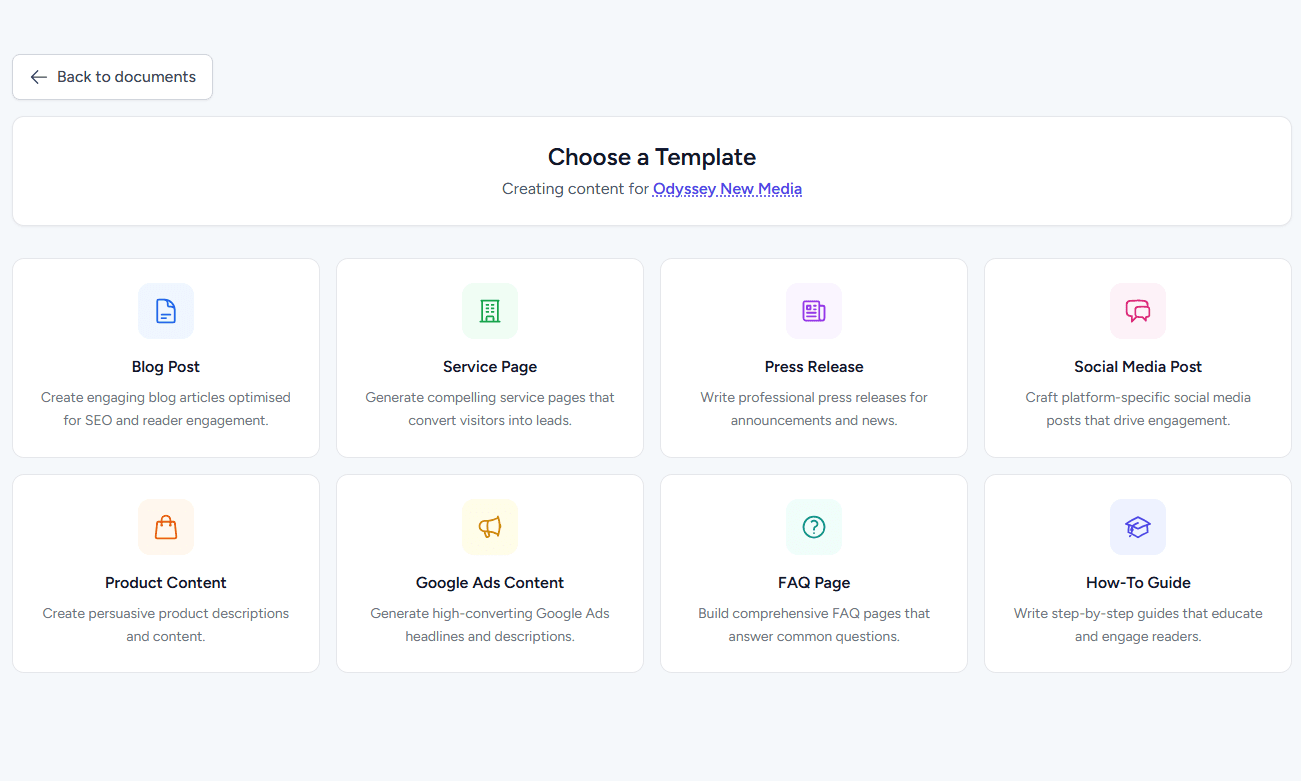

Yes. You can click Save Draft at any point during brief creation. Your account holds up to three active drafts, which can be reviewed and resumed from the Saved Drafts menu.
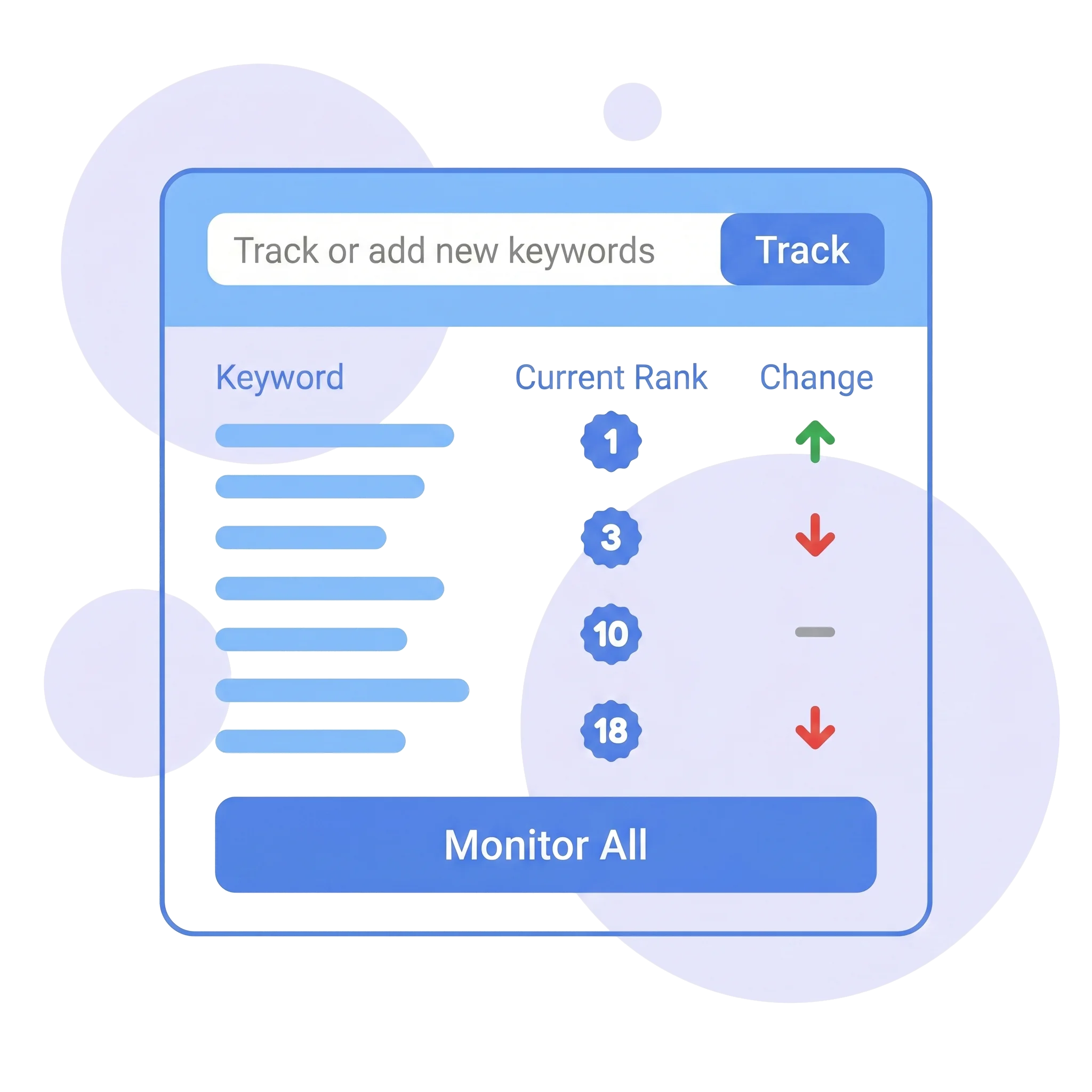
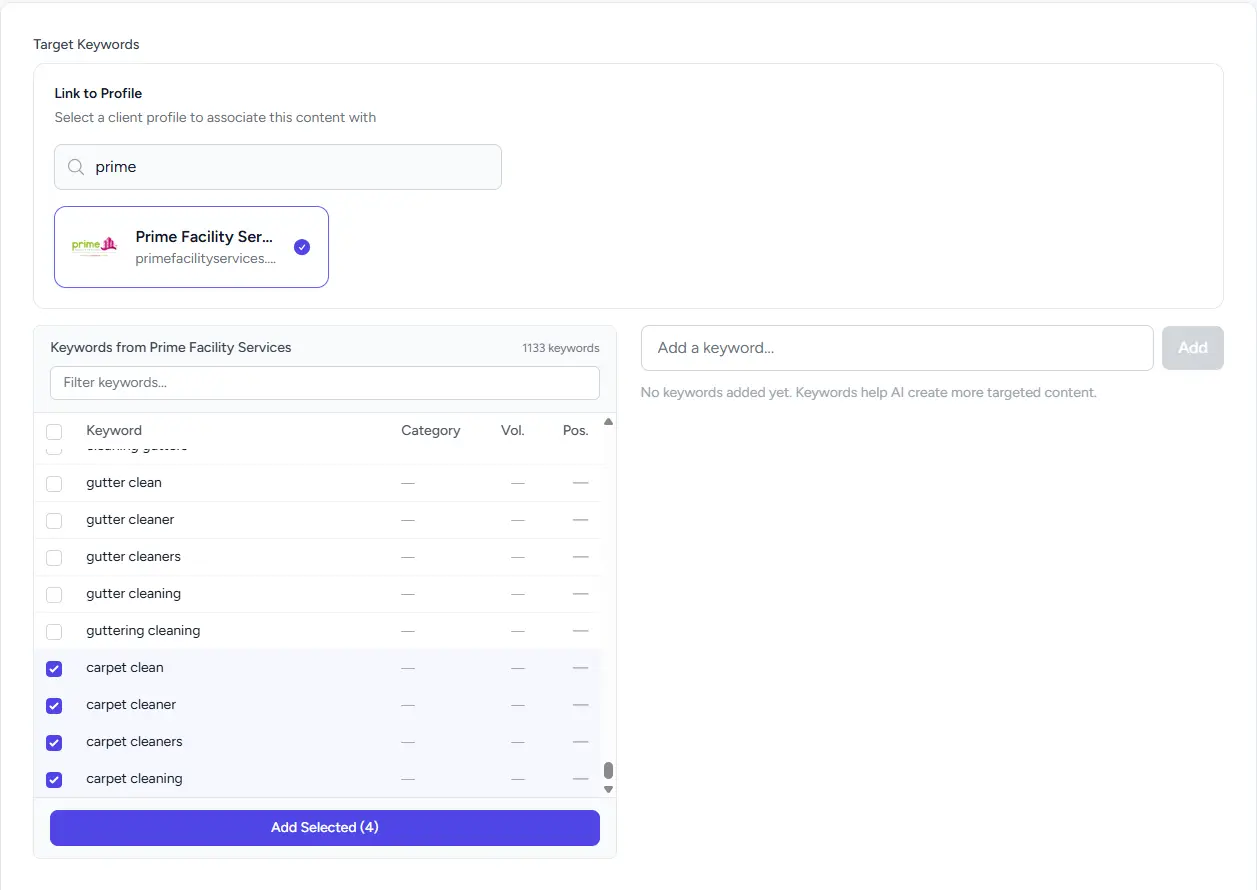
When you link a client profile in step two, a split-screen panel displays your saved keyword research. You can filter terms by category or search term, inspect current rankings, and check boxes to instantly add keywords to your generation brief.
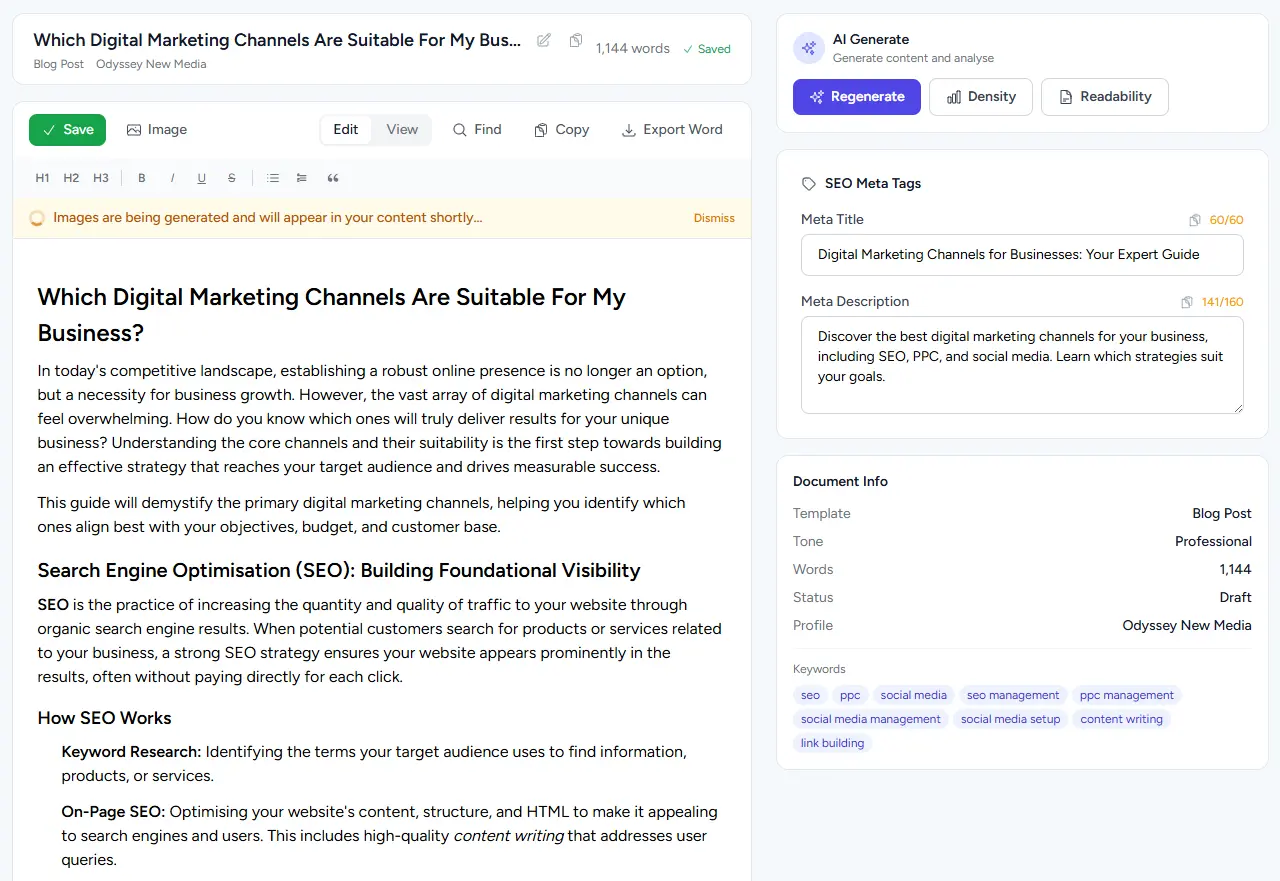
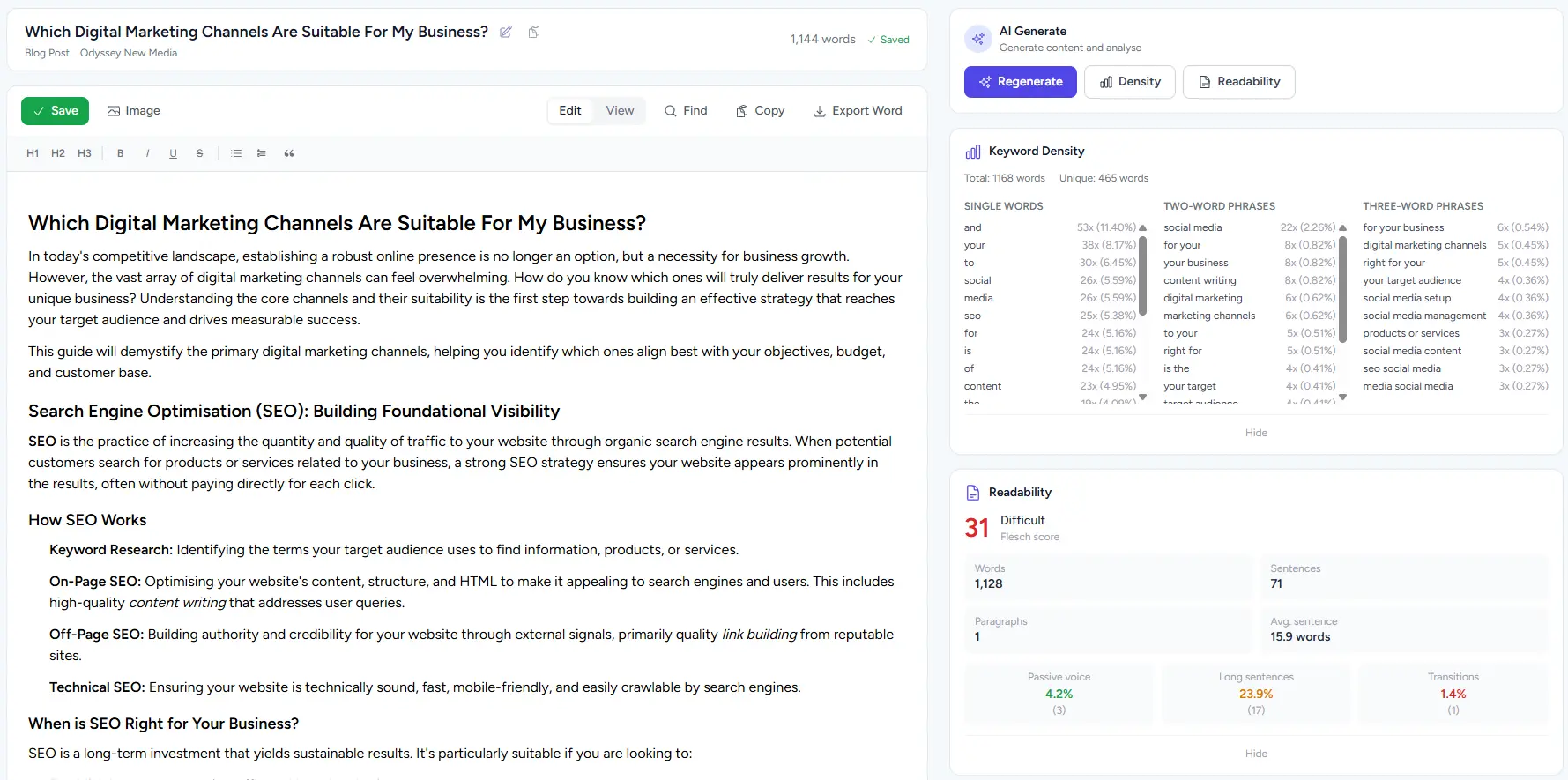
Yes. Every copy template automatically generates an optimised Meta Title tag (under 60 characters) and Meta Description tag (under 160 characters) complete with character counts for straightforward publishing.
Image generation runs after your copy is created so the AI can inspect the text for context. You can pick a banner image aspect ratio (16:9, 1:1, 9:16, or 4:3) and select between 1 and 5 additional supporting images for article bodies.
Yes. Under the Tone & Audience section, you can write out a custom Call to Action boilerplate, click Save as template, and import it into future projects using the Templates dropdown menu.